Program Visualisation
MNL features a program visualization tool called Tarsius. Tarsius was designed specifically for program visualization, which means that all evaluations are conducted within a visual workspace. This approach differs from traditional text-based programming languages, where it can be challenging to illustrate function values or the process of function application (beta reduction). Tarsius can visually display both the function value and all the steps in the beta reduction process during substitution and computation.
The Function Value
When the expression block type is function, users can view the contents of the function value by right-clicking on the block and selecting Function Value from the block menu.
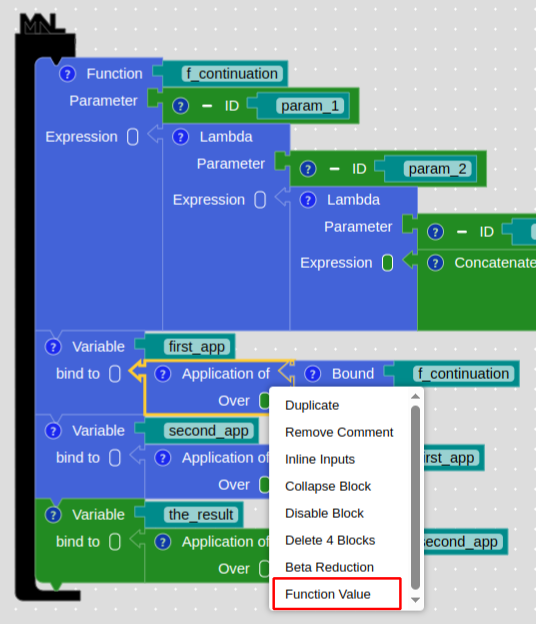
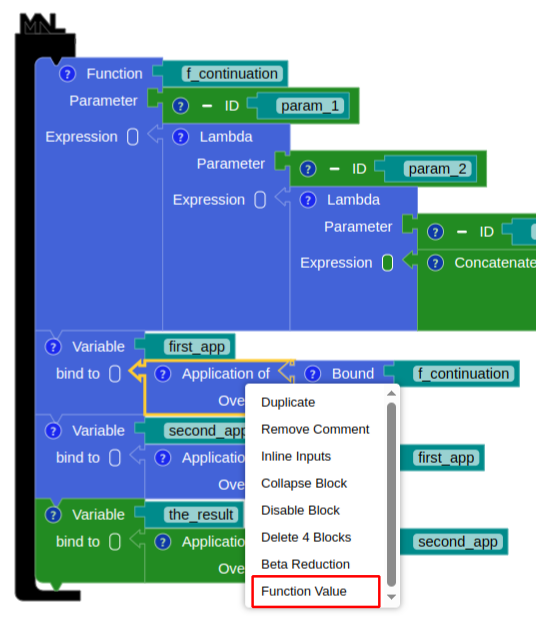
Fig. 1: The function value's menu
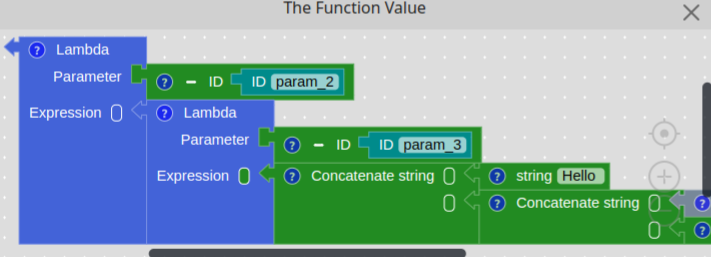
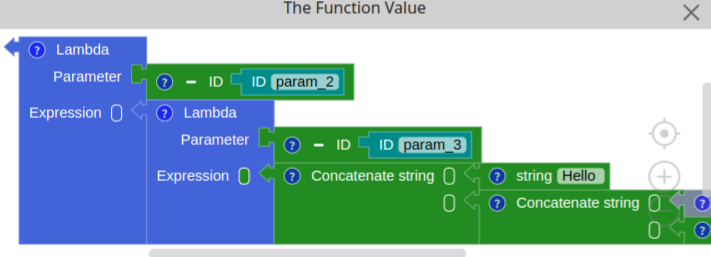
Fig. 2: The content of function's value
Beta Reduction
To view the beta reduction process, right-click the application block and choose either Beta Reduction or Beta Reduction - CBV. The MNL beta reduction uses eager evaluation. With Beta Reduction - CBV, the parameter structure is replaced with a new one based on the parameter's value after evaluation. In contrast, Beta Reduction keeps the original parameter block structure, making it easier to trace where a value comes from. The beta-reduction window shows each substitution step in order from top to bottom, along with its value.
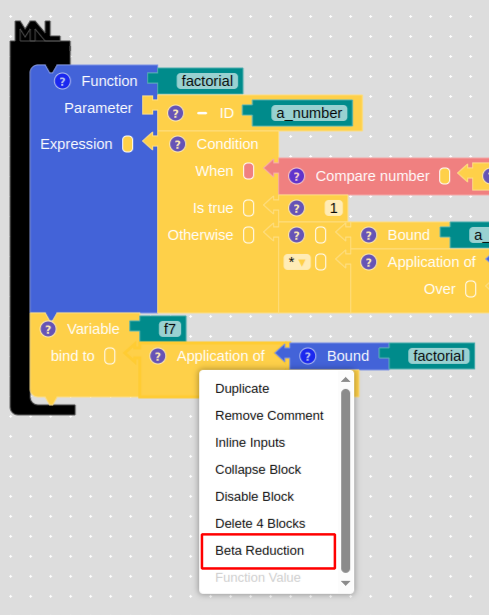
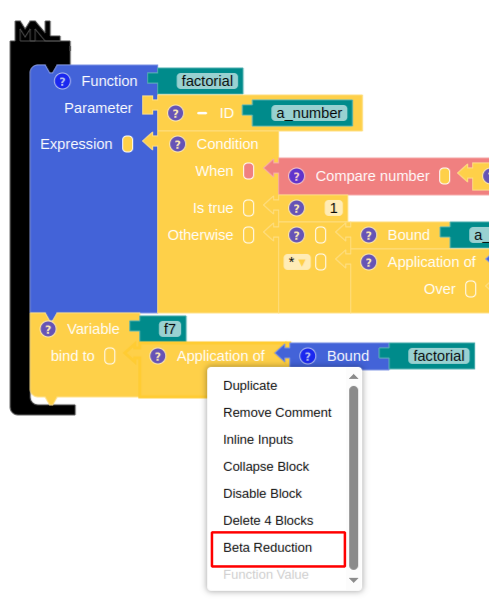
Fig. 3: The beta reduction's menu
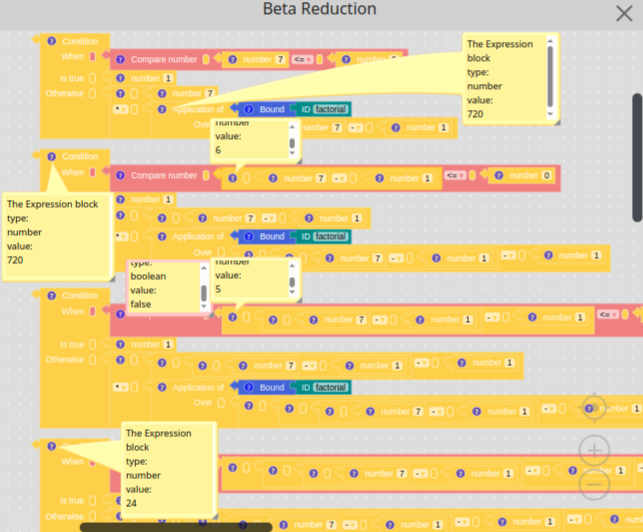
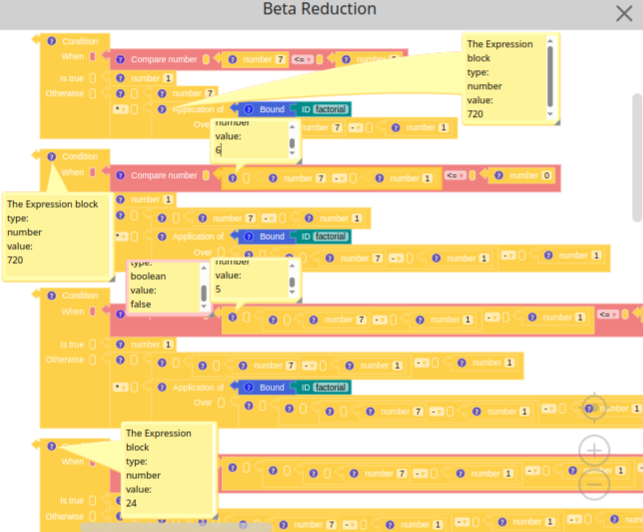
Fig. 4: Beta reduction